
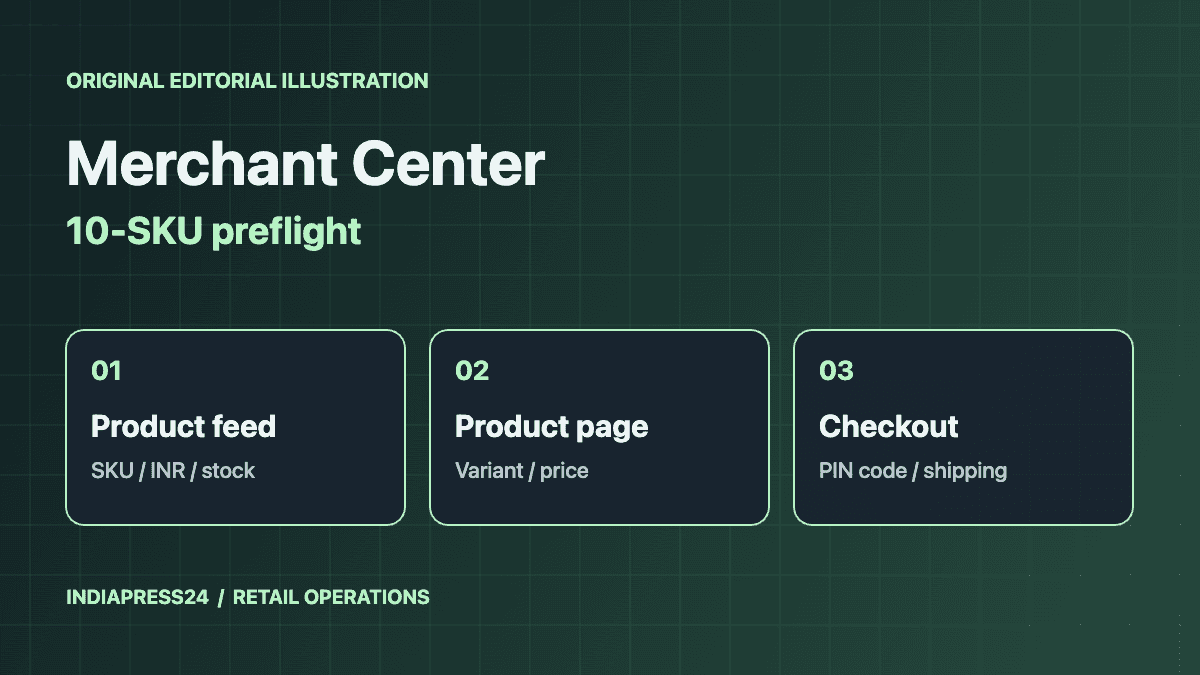
Before adding your entire catalog to Google Merchant Center, test ten representative product listings. For each listing, compare the exact variant, price and stock in your data source with what a shopper sees on the product page and at checkout. Then test shipping with real serviceable PIN codes. This catches problems that an “upload successful” message cannot.
What free listings do, and what they do not do
Free listings make eligible product pages available for Google to show without a Shopping ads budget. An eligible product is not guaranteed an impression or a sale. Google’s free listings requirements say that sellers targeting India must configure shipping costs in Merchant Center or supply them with the product data. Keep the website’s return policy easy to find. This guide focuses on online retailers who control their own product pages and checkout.
Choose ten listings that are likely to expose problems
Pick three everyday products, two variants from the same family, two products with sale prices, two products with stock that changes frequently, and one item with an unusual delivery rule. Use ten distinct item IDs even when two share a product family. If your catalog has no sales or variants, substitute the products most likely to have stale data. The goal is coverage, not a statistically representative sample.
Make a worksheet with one row per item: item ID | expected variant | data-source price and stock | page price and stock | checkout item price | PIN code and shipping cost | pass/fix | owner | checked at. Open the submitted product URL in a signed-out mobile window. For an item with multiple variants, confirm the URL opens the same size or colour represented by the data source rather than defaulting to a different variant.
Run the comparisons in order
- Feed to product page: Compare the item price in INR, currency and availability. Check that an active sale shows the submitted sale price for that variant. If your store outputs structured product data, compare the offer there too, especially after a theme or pricing update.
- Product page to checkout: Add the exact variant to the basket without buying it. Compare the item price separately from delivery fees. If a discount appears only after signing in or entering a code, do not assume it is the public price shown to an ordinary shopper.
- Shipping by PIN code: Try a routine delivery location and another serviced location where the rate differs. For a free-shipping threshold, test a basket on either side of the threshold. Write down the charge actually shown and compare it with the corresponding Merchant Center rule.
- Availability after a change: For a fast-moving product, record how long it takes a real stock change to move from the store to the data source. Do not intentionally put a live product out of stock just for the test. In Merchant Center, check the product-level “Needs attention” details for unresolved mismatches.
Worked example: one SKU, two separate fixes
Suppose a hypothetical blue shirt in size M is submitted at a sale price of ₹799. Its variant page also says ₹799, but the signed-out basket shows the item at ₹899. Separately, Merchant Center estimates ₹49 delivery for a PIN code where checkout shows ₹79. That is not one ₹130 pricing error: it is an item-price discrepancy and a shipping-rule discrepancy. Route the first to whoever owns the store’s sale logic and the second to whoever maintains delivery settings. Recheck the same item ID and PIN code after both fixes, before asking anyone to change the rest of the feed.
Decide who fixes each failure
Use the first place where the data diverges to direct the fix. If an item is correct in the store and checkout but is stale in Merchant Center, check the timing and source of the last product update. If the source agrees with the shelf price but the page opens the wrong size, fix the variant URL or storefront selection rather than changing the price of a different SKU. If the price is right until checkout, inspect the cart’s pricing rules and discount eligibility. If the delivery result differs only for some PIN codes, isolate the service area or threshold instead of changing the national default for every product.
Keep evidence from the same time window. A product page screenshot taken after a sale ended cannot explain what the feed said during the sale unless you have both timestamps. Save the old and new test results on the same worksheet row so the next person can see whether the underlying fault changed.
When to expand the catalog
As an internal launch rule, expand only after your sample passes and there are no unresolved account-level eligibility blockers. If several rows fail in the same way, fix the common source rather than manually editing ten items. If one row fails, retest that family and leave unrelated items alone. Once both the site and the data source agree, monitor free-listing performance in Merchant Center. For downstream conversion and campaign economics, use a separate baseline such as this small-business measurement framework. A clean product data source improves readiness; Google still decides what appears.