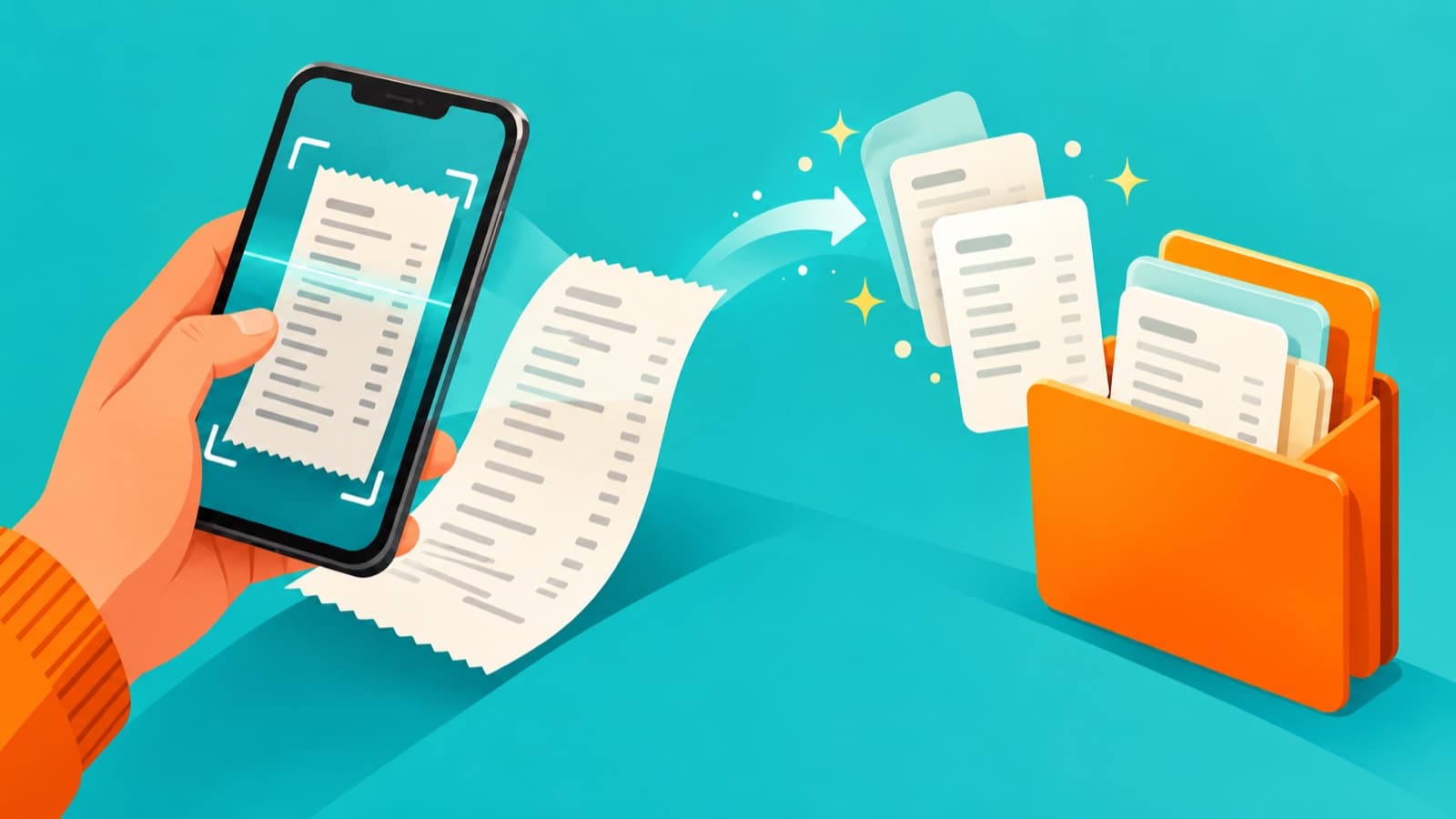
Google’s October 12, 2026 system release notes list a new Google Wallet capability: scanning to add receipts. For someone who routinely loses small purchase slips, this is a potentially useful addition. But a short release note is not evidence that Wallet has become a complete expense-management system or that every Indian account already has the feature.
The entry appears under Wallet in Google Play services version 26.40. The same section lists improved merchant names in transaction notifications and an in-app message centre. Google does not provide a receipt-scanning country list, an extraction-accuracy figure or an accounting integration specification in that entry.
First establish whether the feature is available to you
Use the official app and supported update path, then check what your own Wallet interface offers. If receipt scanning is absent, the release-note date alone does not justify assuming that your installation is broken. Device, account and regional availability are not established by this brief announcement.
Avoid sideloading an unfamiliar app, granting unnecessary permissions or paying someone to activate a feature merely because you have seen it in a headline. Keep using your existing receipt storage method until the supported feature is actually available and you understand how to retrieve what you save.
This article does not claim to have tested the new scanner. Its recommendations describe a sensible way to evaluate a purchase-record tool, not verified behaviour of every current Wallet build.
A useful scan must preserve the purchase context
Start with a non-sensitive receipt you are authorised to store. Check whether the saved result preserves the merchant, date, items, amount, payment reference and any return instructions that matter to you. Inspect the entire document rather than just a convenient summary.
Make sure the top and bottom of the slip are included and the text can be read without guessing. Faint thermal paper, folds, glare and a curved surface can make any image-based record harder to use. If the result is unclear, retain a separate legible copy instead of assuming an attractive preview means the record is complete.
For a longer receipt, check whether everything you need has been captured before discarding packaging or leaving the shop. The release note does not establish a specific multi-page workflow, supported receipt format or automatic categorisation behaviour, so those details need verification in the actual interface.
Separate a receipt from proof of payment
A receipt image and a payment-app transaction record answer related but different questions. One may describe what was bought; the other may help establish when and how money moved. Neither should automatically be treated as a substitute for the other.
For an illustrative purchase of a laptop accessory, keep the item description, seller invoice and payment reference connected in your own filing system. If the accessory later fails, you may need information that is absent from a cropped image of the total.
Receipts can contain names, purchase details and identifiers that should not be shared casually. IndiaPress Live’s customer-data handling guide offers a useful way to think about limiting access when records enter a support workflow. Receipt scanning should improve access to supporting material, not encourage deletion of useful originals.
Do not assume Wallet and Google Pay are interchangeable
The release notes also describe a separate Google Pay change in Chrome for Android: skipping the Payment Request interface when providing merchants with a name, email address and phone number. That is a different workflow from adding a receipt to Wallet.
Neither entry should be rewritten as a new UPI capability or a promise about Indian payment acceptance. The practical advice is to inspect the actual product and transaction context before drawing conclusions from a shared Google brand name.
Likewise, improved merchant names in Wallet notifications may make some records easier to recognise, but a familiar display name alone does not verify that a purchase was authorised. Investigate an unexpected transaction through the appropriate account or payment provider rather than relying on the wording of a notification.
Review sensitive information before sharing
Receipts can contain loyalty identifiers, delivery details, partial card numbers or personal purchase information. Decide who needs access before forwarding a scan to a family group or workplace chat. Share the minimum information needed for the task and keep a complete original separately where appropriate.
If you are submitting a business expense, follow the organisation’s approved process. The announcement does not establish that a Wallet scan meets an employer’s documentary requirements, integrates with its accounting software or satisfies any particular tax-retention rule. Those are separate questions.
Evaluate retrieval, not just capture
After saving a sample, try finding it again using the tools actually available in your app. Check what happens when you need to show the record to a merchant or retain it outside that phone. Do not assume search, export or cross-device behaviour that the source has not documented.
A good receipt routine is one you can use at the moment a return, warranty query or payment dispute arises. Google’s new scanning entry is worth investigating, but the buying or filing decision should rest on legibility, retrieval and appropriate access, not on an unsupported assumption that digitisation makes every original unnecessary.