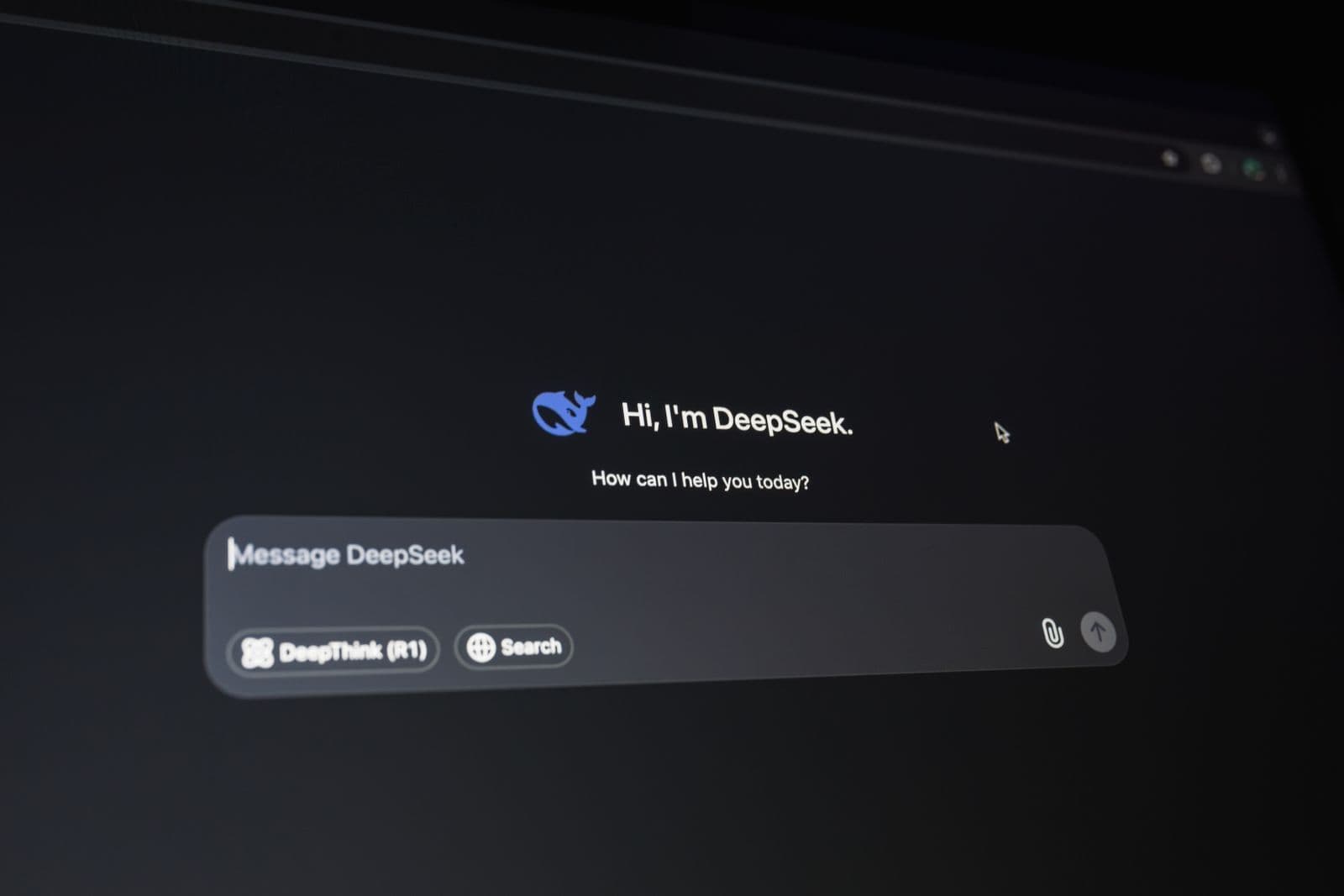
AI chatbots are no longer only for large companies with large technical teams. Today, even a small business can use an AI chatbot to answer customer questions, collect leads, guide website visitors, book appointments and reduce repetitive manual work. The best part is that many chatbot tools now come with no-code builders, so a business owner does not need to hire a developer just to get started.
According to IBM, Chatbots communicate with users through text or voice and help them answer questions, find information and complete tasks through conversational interfaces. .
For small businesses, time is often one of the biggest challenges. A customer may ask the same question again and again: What are your prices? Where are you located? What services do you offer? How can I book a call? Do you deliver in my area? A chatbot can answer these common questions instantly and allow the business team to focus on serious enquiries.
For more guides around AI tools and automation, readers can also explore the Artificial Intelligence section on IndiaPress24.
Start With One Clear Chatbot Goal
Many small businesses make the mistake of trying to build a chatbot that can do everything. That usually creates a poor experience. A better approach is to start with one clear goal.
For example, the chatbot can be used to:
| Chatbot Goal | Best For | Example Use |
|---|---|---|
| Answer FAQs | Local businesses, service providers, clinics, agencies | What are your working hours? |
| Collect leads | Real estate, education, finance, agencies | Name, phone number, budget, requirement |
| Book appointments | Consultants, salons, doctors, coaches | Choose date and preferred time |
| Recommend services | Agencies, SaaS, home services | Suggest service based on need |
| Support customers | Ecommerce, subscription businesses | Order status, return policy, support request |
For most small businesses, the best first use is simple: answer FAQs and collect enquiries. This gives immediate value without making the setup complicated.
Prepare the Information Before Building the Chatbot
A chatbot is only as useful as the information given to it. Before choosing a tool, create a simple document with all important business details.
This document should include:
- Business name and location
- Services or products offered
- Pricing range or package details
- Working hours
- Contact number and email
- Booking process
- Delivery or service areas
- Refund or cancellation policy
- Frequently asked questions
- Next step for interested customers
For example, a small digital marketing agency can prepare answers for questions like:
- What services do you offer?
- How much does SEO cost?
- Do you work with startups?
- How can I book a consultation?
- How long does it take to see results?
Once this information is ready, it becomes easier to build the chatbot flow.
Example: Simple Chatbot Flow for a Small Business
Here is a basic chatbot flow that a small business website can use:
| Step | Chatbot Message | User Option |
|---|---|---|
| 1 | Hi, how can we help you today? | Services / Pricing / Book a Call / Contact Support |
| 2 | What service are you interested in? | SEO / Website Development / Paid Ads / Social Media |
| 3 | What is your business type? | Startup / Local Business / Ecommerce / Other |
| 4 | What is your preferred budget range? | Basic / Mid-level / Custom |
| 5 | Please share your name and phone number. | User enters details |
| 6 | Thanks. Our team will contact you shortly. | End or human handoff |
This type of chatbot does not need advanced development. It only needs clear questions, simple options and a proper enquiry form.
Use No-Code Chatbot Tools
Small businesses do not need to build a chatbot from scratch. No-code chatbot tools allow users to create flows using buttons, forms and pre-written answers. Many tools also allow website owners to train the chatbot using website content, FAQs or documents.
When choosing a chatbot tool, compare these points:
| Feature | Why It Matters |
|---|---|
| Easy setup | Business owners should be able to update it without a developer |
| Website integration | It should work smoothly on the business website |
| Lead collection | It should collect name, phone number, email and requirement |
| Human handoff | Users should be able to reach a real person when needed |
| Chat history | Helps the business understand customer questions |
| Custom branding | Chatbot should match the website design |
| Mobile support | Many users will interact from mobile devices |
For small businesses also working on their website structure, the Web Development section can be a useful internal link.
Add Human Handoff
AI can answer simple questions, but some customers still need human support. A good chatbot should clearly tell users when a team member will respond.
For example:
Thanks for sharing your details. Our team will call you during business hours.
Or:
This question needs help from our support team. Please share your contact number, and we will get back to you.
This avoids frustration. A chatbot should not pretend to know everything. It should help users move forward.
Use the Chatbot for Lead Qualification
A chatbot can do more than collect contact details. It can also qualify leads before the sales team speaks to them.
For example, the chatbot can ask:
- What service are you looking for?
- What is your budget range?
- Which city are you from?
- When do you want to start?
- Are you comparing options or ready to buy?
This helps the sales team understand the customer before calling. For small businesses with limited staff, this can save time and improve lead quality.
Avoid Over-Automation
One common mistake is making the chatbot too long or too robotic. Users do not want to answer ten questions before getting help. Keep the flow short.
A good chatbot should:
- Give quick answers
- Offer simple buttons
- Avoid confusing language
- Provide contact options
- Allow human support
- End with a clear next step
If the chatbot feels difficult, users may close it and leave the website.
Test Before Publishing
Before making the chatbot live, test it like a real customer. Ask team members or friends to use it and check whether the flow feels natural.
Use this checklist before launch:
| Checklist Item | Status |
|---|---|
| Chatbot opens properly on desktop and mobile | ☐ |
| FAQ answers are correct | ☐ |
| Contact form collects details properly | ☐ |
| Thank-you message appears after submission | ☐ |
| Human handoff message is clear | ☐ |
| Wrong or unknown questions are handled politely | ☐ |
| Chatbot does not block important website content | ☐ |
| Enquiry details reach the correct email or CRM | ☐ |
Testing is important because a broken chatbot can reduce trust instead of improving it.
Review Chatbot Conversations Regularly
After publishing the chatbot, review conversations every week or month. This will show what customers are actually asking.
For example, if many users ask about pricing, add clearer pricing information to the website. If many users ask about location, make the address more visible. If many users ask about a specific service, create a detailed service page.
This is where chatbot data becomes useful for website improvement and content planning.
Final Checklist for Small Businesses
Before using an AI chatbot, make sure these basics are ready:
- Clear chatbot goal
- Business FAQ document
- Short conversation flow
- Lead collection form
- Human handoff option
- Mobile testing
- Weekly conversation review
- Clear privacy and contact information
A chatbot does not need to be complex to be useful. Even a basic chatbot that answers FAQs and collects enquiries can improve a small business website.
FAQs
1. Do small businesses need a developer to use an AI chatbot?
Not always. Many chatbot platforms now offer no-code setup. A business owner can create basic chatbot flows using templates, buttons and forms.
2. What is the best use of an AI chatbot for a small business?
The best starting use is answering common questions and collecting leads. This is simple to set up and gives quick value.
3. Can a chatbot replace customer support?
No. A chatbot can handle basic questions, but users should still have the option to speak with a real person when needed.
4. What should a small business add to a chatbot?
Add business details, services, pricing range, working hours, contact information, FAQs and a clear enquiry form.
5. How often should chatbot answers be updated?
Chatbot answers should be reviewed at least once a month, or whenever business details, prices, services or policies change.
Conclusion
AI chatbots can help small businesses respond faster, collect better leads and improve customer experience without hiring a developer. The key is to start small. Focus on common questions, simple flows, useful answers and a clear human handoff.
A chatbot should not make the website feel complicated. It should make the customer journey easier. When used correctly, AI chatbots can turn a basic small business website into a more responsive and conversion-friendly platform.