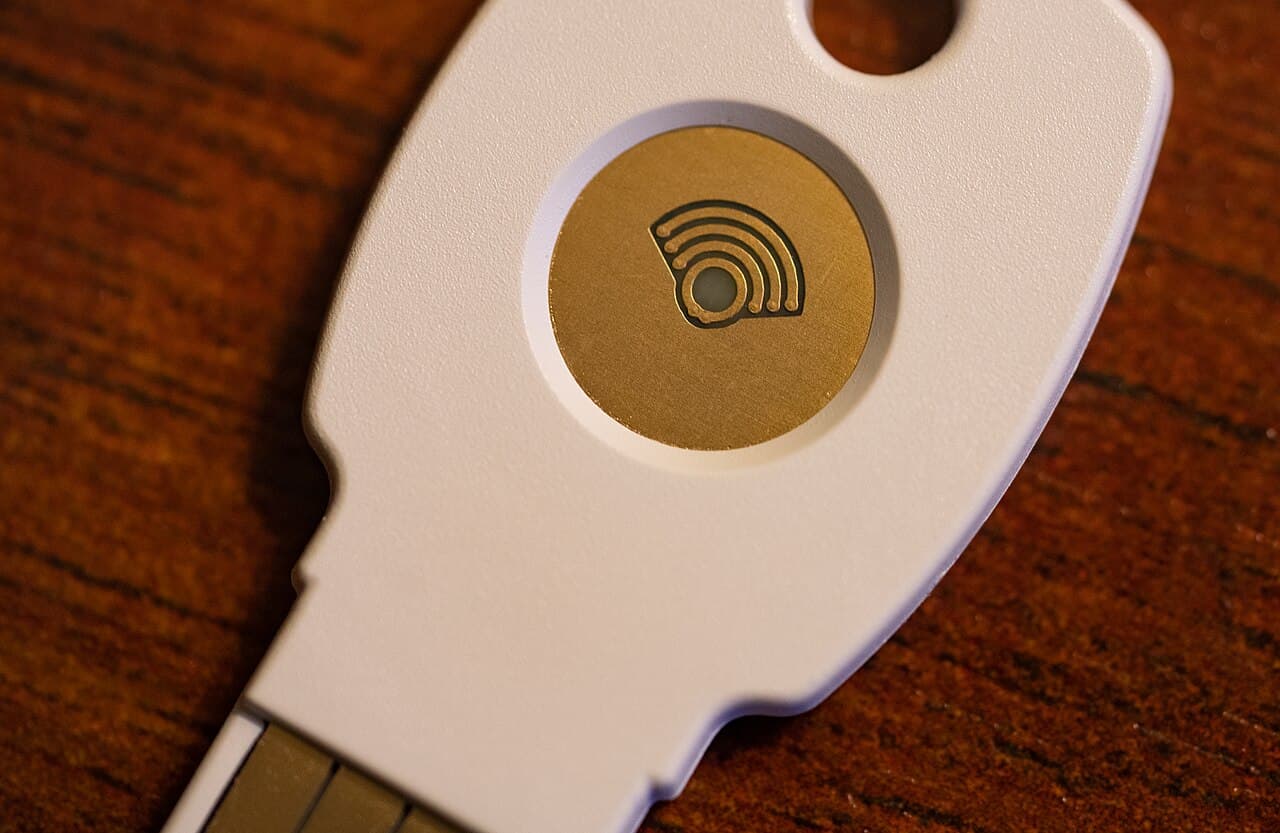
Passkeys are designed to resist phishing, yet Microsoft has documented attacks that use passkey-themed messages to compromise cloud identities. That does not mean the passkey cryptography has been broken. The attackers use the language of passkeys, multifactor authentication or single sign-on to push a victim into a different, weaker authentication flow.
For Indian organisations adopting passwordless sign-in, the distinction is important. Strong authentication can protect the login while a poorly controlled enrolment, recovery or helpdesk process remains exposed.
How The Observed Attack Begins
Microsoft's September threat report describes calls or messages to an employee's personal phone from someone claiming to be the organisation's IT helpdesk. The victim is told that a passkey, MFA or SSO setting must be updated quickly to avoid disruption.
The link can lead to a convincing sign-in page. In some cases, the real goal is adversary-in-the-middle phishing that captures credentials and session tokens. In others, the victim enters a device code on a legitimate Microsoft page and unknowingly authorises the attacker's client.
Why A Passkey Can Still Be Part Of The Story
A real passkey uses cryptographic keys bound to the legitimate service domain, which makes a direct credential replay much harder. The FIDO Alliance's passkey guidance explains that complete phishing resistance also requires secure fallback and account-recovery methods.
If an organisation keeps password login, phishable recovery or loosely controlled enrolment beside passkeys, attackers will look for the weaker route. They may also persuade a user or helpdesk employee to add a new authentication method after an initial compromise.
The Attack Continues In The Cloud
Microsoft observed unusual sign-ins followed by registration of authentication methods, reconnaissance through Microsoft Graph and access to SharePoint, OneDrive and Exchange. Some collection continued for hours or days at a pace intended to resemble normal use.
This matters because prevention is not the only detection point. A security team may miss the phone call or personal-device link, but it can still look for the sequence that follows: a risky sign-in, new MFA method, unusual application access and a large change in file or mailbox activity.
What Employees Should Do
- Do not act on an unsolicited call or message asking you to reset MFA or register a passkey.
- Open the company security portal from a saved bookmark instead of the supplied link.
- Contact the helpdesk through the number or ticketing system listed in the internal directory.
- Never enter a device code that another person sent unless you initiated the sign-in and understand which application it authorises.
- Report the event even if you stopped before entering a password; the organisation may need to block the domain and warn colleagues.
Training should explain that a professional-looking Microsoft page can still be part of an attack. The crucial question is who initiated the flow and what access is being approved.
What Identity Administrators Should Change
Restrict registration of new authentication methods to managed devices, trusted locations or a recently completed strong sign-in. Generate an alert for every high-risk registration and review it alongside sign-in risk. Block device-code flow where the business does not need it.
Administrators should also review application consent, high-privilege Graph permissions and access from unmanaged devices. A compromised user should not be able to download an entire document library merely because the initial session passed MFA.
Recovery Must Be As Strong As Login
A passkey-only login can still be undermined by a password-based recovery email, weak call-centre questions or an executive exception. Organisations should map every route that can restore or add access: self-service recovery, helpdesk reset, device replacement, administrator action and emergency access.
Each route needs identity verification, logging and a notification to the account owner. High-value roles such as administrators, finance staff and executives may need hardware-backed passkeys and a stricter recovery process.
How To Investigate A Suspected Compromise
Start by validating the user through a trusted channel. Revoke active sessions, remove unauthorised authentication methods and reset credentials where appropriate. Then examine device-code events, token activity, mailbox rules, app consent and file access. Changing the password alone may leave a stolen session or persistent method active.
CERT-In's critical advisory on emerging Microsoft 365 threats provides India-relevant context on device-code phishing, session compromise and business email compromise.
A Better Rollout Plan For Passkeys
Begin with a pilot group and inventory every fallback. Require passkeys for the target group, then remove or tightly restrict phishable alternatives rather than leaving them indefinitely. Measure failed enrolments, recovery requests, suspicious registrations and helpdesk overrides.
For broader architecture, IndiaPress's practical Zero Trust guide explains how identity, device health and continuous monitoring work together. The website security checklist can help smaller teams cover adjacent controls.
Conclusion
Passkeys remain phishing-resistant, but attackers do not have to attack the strongest part of a system. They can exploit urgency, device-code flows, recovery and authentication-method registration. Organisations should deploy passkeys as an end-to-end identity programme: secure enrolment, strong recovery, controlled fallbacks, cloud monitoring and a helpdesk process that verifies every sensitive change.